
Customers see what’s free, and book it themselves
A live calendar on your website shows availability day by day for every item. Customers pick their dates and book — and the “is it free on Saturday?” messages stop.


What changes
The everyday headaches, and what they turn into.
Before: Answering the same availability question twenty times a week.
With Vrilo: Customers check for themselves, at any hour.
Before: Promising the last unit to two people.
With Vrilo: Checkout re-checks stock before it takes payment, so only one booking gets it.
Before: Flicking through a notebook to see what’s out this week.
With Vrilo: An inventory timeline in your dashboard: every item, every day.
What you get
Timeline or month view
Show every item across the next two weeks, or one item by month on its own product page.
Search and filter
Customers narrow by category or search by name. On phones, the item list becomes a simple picker.
Pick dates, then book
Tap a start day and an end day. The item goes into the cart for exactly those dates.
Always current
The calendar refreshes while it’s open, so a booking made a minute ago already shows.
Private by design
Customers see how many are free. They never see who booked, or why a day is taken.
Block dates yourself
Take units out for servicing, cleaning or a personal job from the dashboard. The website updates at once.
How it works
Add the calendar
It’s already on the Availability page of every template, or add it to any page as a section.
Customers choose dates
They see free, limited and booked days at a glance, and book the ones that work.
You see it land
The booking appears on your dashboard timeline with its stock held, prep time included.
Made for how you rent
The same feature, set up for very different businesses.
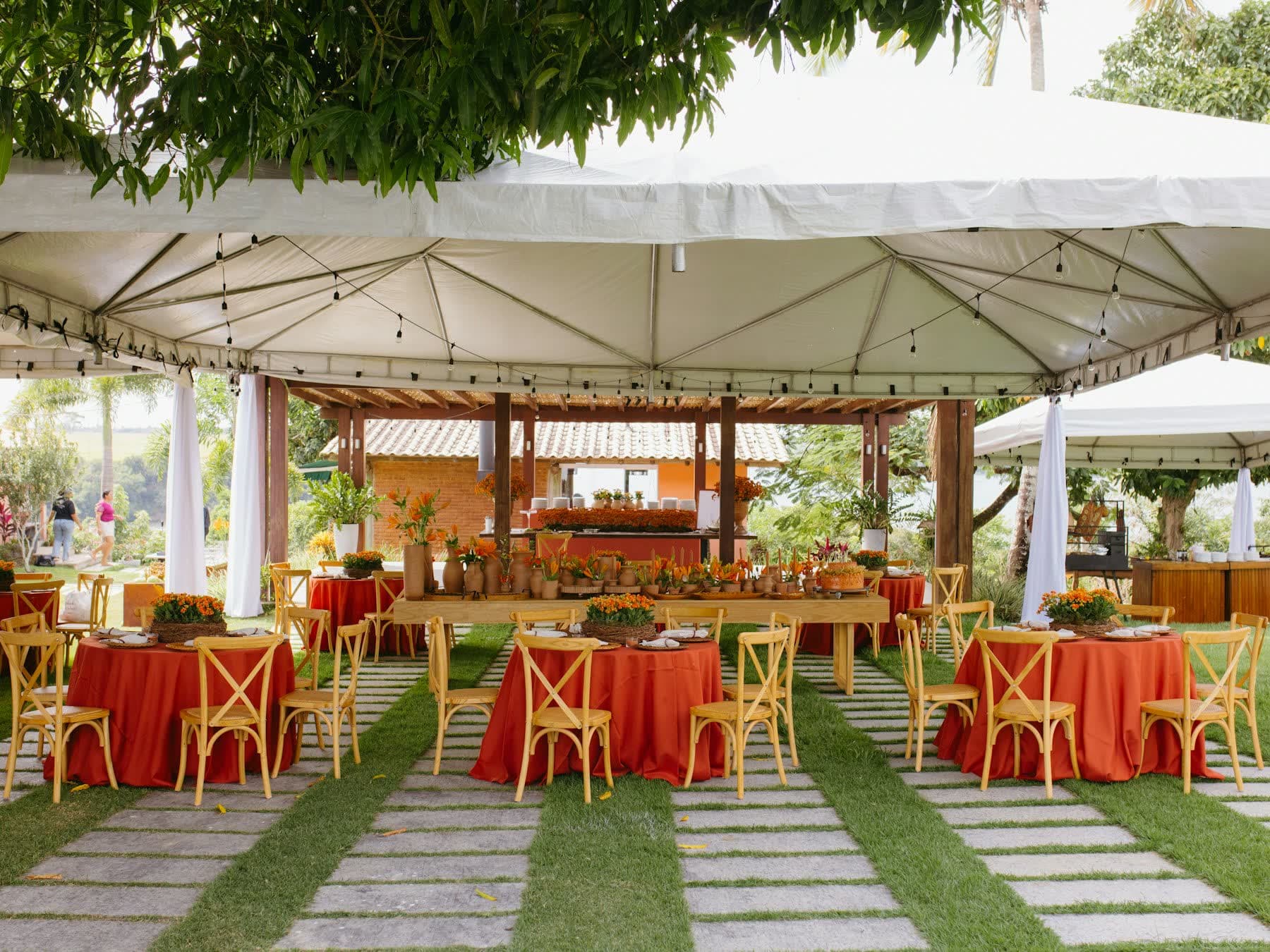
Party & event hire
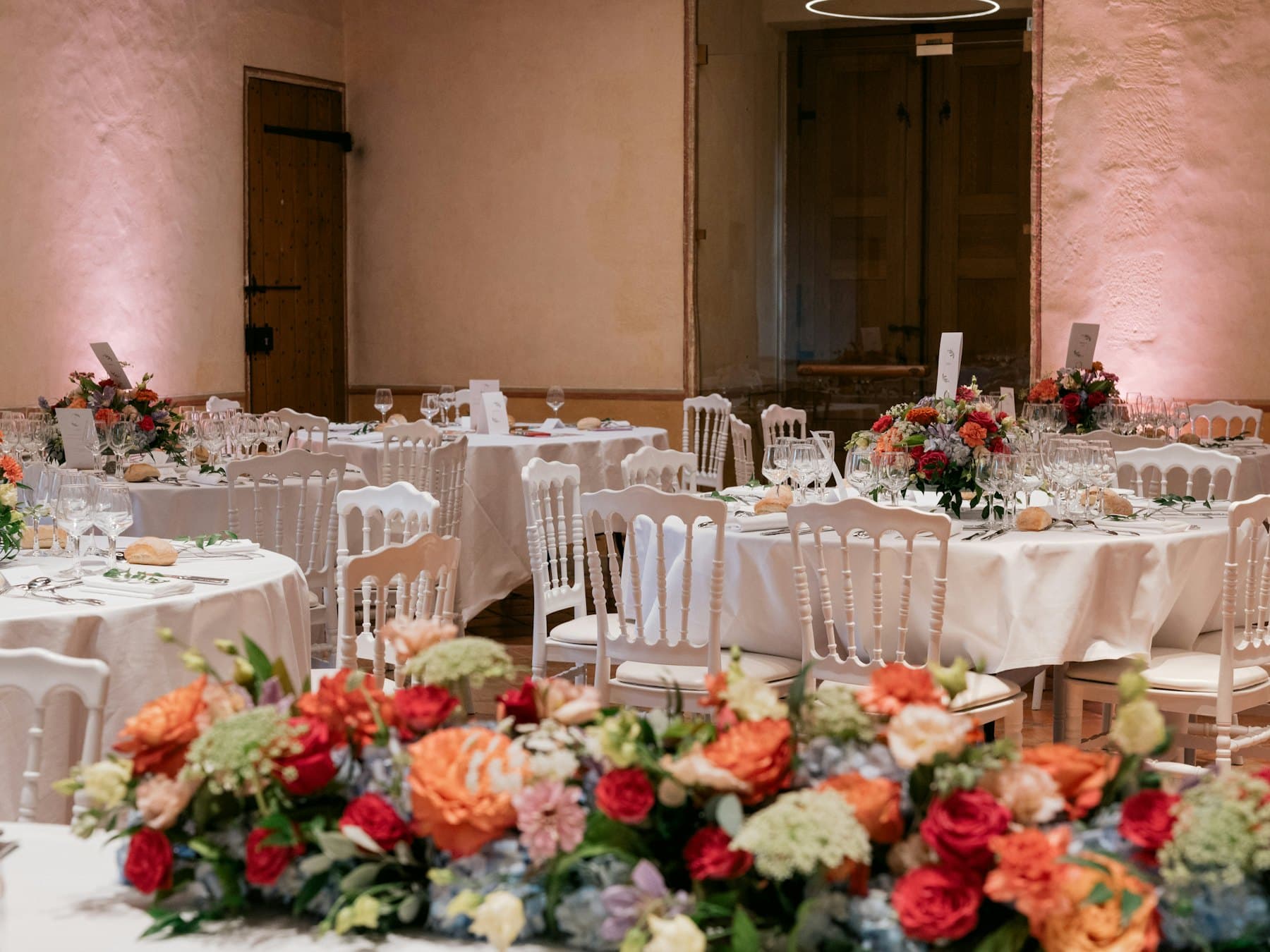
See which weekends the bouncy castle is out, and how many tables are left for a 120-guest wedding.

Car & van hire
Vehicles by class across the fortnight, so a customer sees an SUV is free before they think of calling.

Camera & production
Serial-numbered kit with turnaround time after every hire, so cleaning and checks are built in.
Questions
Something else on your mind? Ask us — a person replies.
How does it decide whether an item is free?
It counts how many units are out at the busiest moment of each day, including the prep and turnaround time you set. A morning hire and an afternoon hire of the same item can both fit.
Can customers see who has booked?
No. The website only ever receives counts — how many are free each day — never names, orders or reasons.
Does it handle items I have lots of?
Yes. Quantity items show how many are free; serial-numbered items count usable units; packages only show as free when every piece in them is.
Is it really live?
It refreshes about once a minute and whenever the customer comes back to the tab. Checkout always re-checks stock before taking payment, so a stale screen can never cause a double booking.
Works hand in hand with
Try it with your own stock
Start on the free plan — no card needed. Add a few products and see your booking site in an afternoon.
- Pick your industry.
- Add your products.
- Share your booking site.